u/Public_Antelope4642

I’m not here to automate everything — I’m here to stop small-business payment chaos

I used to think the best Reddit post about AI should be a mind-blowing “perfect prompt chain.”

Now I’m leaning the other way: the highest-leverage workflows are still the boring admin edges where humans get burned the most.

Three things have repeatedly mattered in real small-business ops:

  1. Invoice exception handling
  • Inputs: invoices from billing export, bank transaction mismatches, and aging reports.
  • Deliverable: a “Who can override what?” escalation checklist.
  • Why it matters: a missed late-fee exception or partial payment handling can hurt cash flow more than perfect first-draft copy.
  1. Refund + chargeback triage
  • Inputs: support tickets, chat transcripts, and order IDs from your order system.
  • Deliverable: a simple decision matrix (auto-approved / manager-review / decline).
  • Why it matters: this keeps service reps from making ad-hoc promises that contradict policy.
  1. Vendor follow-up lock-step
  • Inputs: supplier emails, purchase orders, and receive dates in a shared spreadsheet.
  • Deliverable: a 48-hour hold list + follow-up script for each aging bucket.
  • Why it matters: one missed follow-up can trigger stockouts that look like random bad luck.

Here’s the opinion: AI in small business starts paying for you when it handles the exceptions first, and only then the normal flow.

If that’s true, what’s the one “boring admin exception” in your operations that would be worth spending your first AI script on?

reddit.com
u/Public_Antelope4642 — 6 hours ago

Which Ariana era has the best color palette?

I always think Sweetener has the softest dreamy palette, thank u next is more muted and minimal, positions feels warm and cozy, and Wicked is obviously all pink/green. Which era do you think has the strongest colors overall?

reddit.com
u/Public_Antelope4642 — 24 hours ago

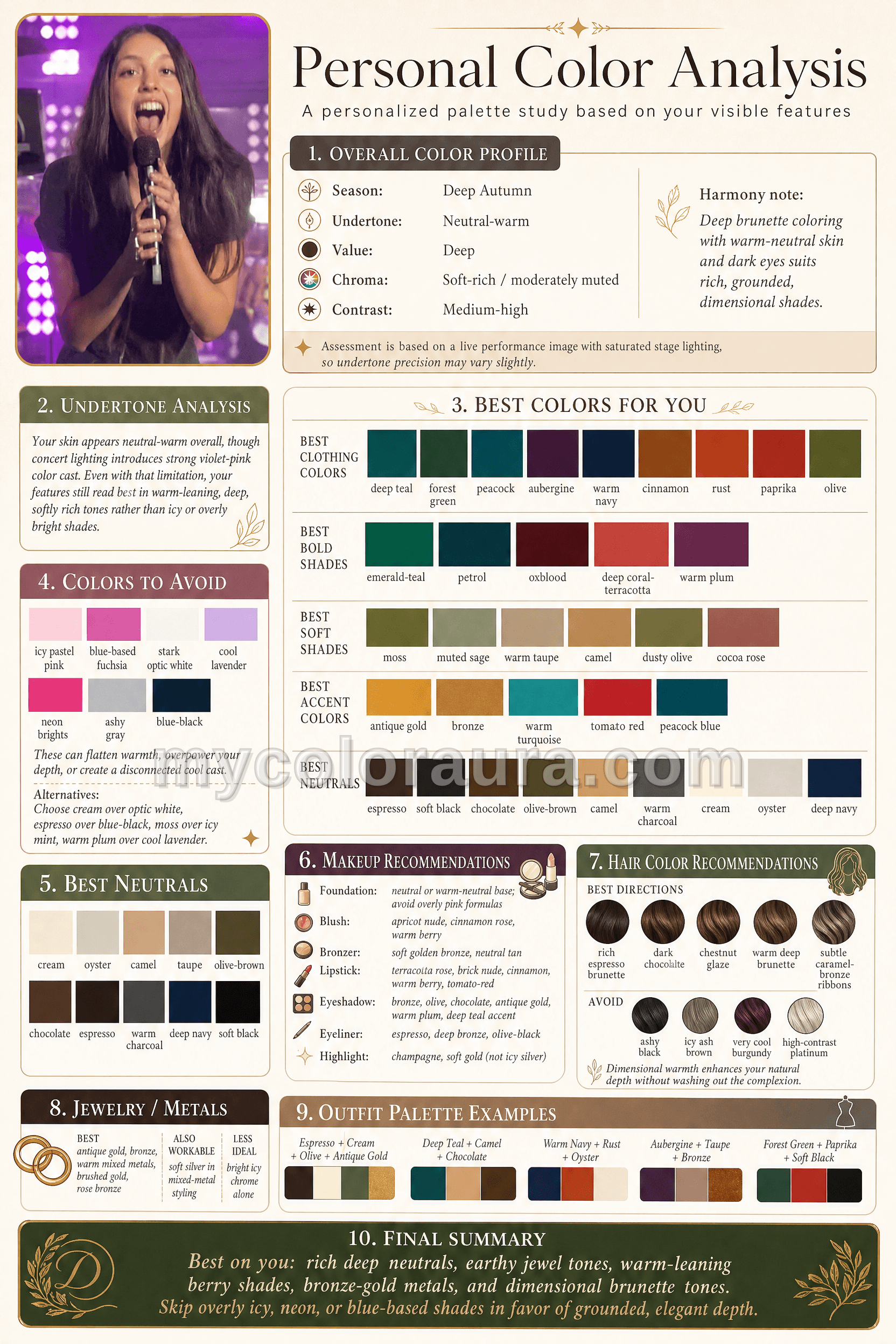
What color palette feels most Olivia to you?

SOUR and GUTS feel really different visually to me — SOUR has that lavender/soft-cool thing, while GUTS feels deeper purple/red/black.

If Olivia did a new era tomorrow, what colors would you want to see her styled in? Purple again, red, black, something softer, or a totally different palette?

Inspired by this color palette

u/Public_Antelope4642 — 1 day ago

Where should the human sign-off go in an invoice-follow-up agent?

I’m thinking about the boring version of “AI agents” that actually seems useful: not replacing judgment, just keeping admin work from going stale.

Example: overdue invoices.

A lightweight agent could probably:

  • read the invoice list and payment history
  • draft the first friendly reminder
  • flag accounts that are more than 30/60/90 days late
  • attach the right invoice copy
  • update a tracker after an email is sent

But I’m not sure where the human approval checkpoint should sit.

Option A: human approves every outgoing email Option B: agent sends the first reminder, human approves anything firmer Option C: agent only prepares a daily “who needs follow-up?” list and a person sends everything Option D: depends on customer size / relationship / amount owed

For people who deal with AR, client invoices, or collections: where would you actually trust automation here?

And what would be the one “never send this automatically” rule you’d add?

reddit.com
u/Public_Antelope4642 — 4 days ago

What back-office task would break if one person was out for a week?

I’m noticing a pattern in small-business threads: the fragile part usually isn’t the fancy software. It’s the boring admin task that only one person actually understands.

Stuff like:

  • which unpaid invoices are “safe to nudge” vs sensitive clients
  • how refunds get approved when the owner is busy
  • where vendor renewal dates live
  • who checks that payroll hours match the schedule
  • how new client onboarding moves from email to the project tracker
  • what to do when a receipt, contract, or W-9 is missing
  • which spreadsheet column means “handled” vs “waiting on someone”

Those are the workflows where automation sounds useful in theory, but only if it respects the messy human context: exceptions, side notes, owner preferences, and the random “ask Maria before sending this” rules.

Curious for people here: what’s the back-office/admin task in a business that would get weird fast if one specific person was unavailable for a week?

What inputs does it depend on, and what checklist/tracker/handoff would make it less fragile?

reddit.com
u/Public_Antelope4642 — 5 days ago

What’s the spreadsheet your business would fall apart without?

I keep seeing the same thing in small-business and SaaS threads: the “important system” is often not a product at all. It’s one spreadsheet that somebody made three years ago and now everyone is afraid to touch.

Usually it’s something very unglamorous, like:

  • unpaid invoices + who has already been reminded
  • vendor renewals + contract end dates
  • job estimates with margin assumptions
  • shift coverage and PTO conflicts
  • refund requests that need manager approval
  • inventory counts from three different places
  • client onboarding tasks that live half in email, half in memory
  • a monthly close checklist where one missed line causes chaos

Those are interesting to me because they’re not “AI strategy” problems. They’re messy handoff/checklist/tracker problems. The kind where a small automation or agent might actually help, but only if it understands the real spreadsheet and the human weirdness around it.

Curious for people here: what’s the spreadsheet, tracker, or doc inside a business that quietly runs the whole operation?

What does it track, who updates it, and what breaks when it’s wrong?

reddit.com
u/Public_Antelope4642 — 6 days ago

What tiny admin mistake cost you way more than it should have?

I keep seeing the same pattern in small-business threads: the expensive failures usually aren't dramatic strategy mistakes. They're boring admin gaps that nobody noticed until they had already cost real money.

Stuff like:

  • a renewal date buried in a vendor contract
  • an invoice sent with the wrong amount or terms
  • a client complaint sitting in the wrong inbox
  • a refund request that never got escalated
  • a payroll or timesheet export copied into the wrong spreadsheet
  • a quote sent before someone checked margin, materials, or scope

These are the kinds of workflows that feel almost too mundane to automate, but they're also the ones where a checklist, tracker, or simple agent could actually prevent damage.

Curious what people here have seen in the wild: what small back-office mistake turned into a much bigger problem, and what would have caught it earlier?

reddit.com
u/Public_Antelope4642 — 7 days ago

What are the most useful “boring” automations you’ve actually seen work?

I saw a thread recently asking about the most unhinged AI automations people have seen, and the examples were wild.

But honestly, the automations I keep thinking about are the boring ones that quietly save a business owner 5-10 hours a week or prevent expensive mistakes.

A few examples I’ve seen or heard about:

  • Invoice follow-up automation Pulls overdue invoices from QuickBooks/Stripe, drafts polite follow-up emails, escalates after X days, and creates a weekly cash collection summary.

  • End-of-day cash/till reconciliation Staff enter counted cash, card totals, refunds, discounts, and expected POS totals. The system flags variances and creates a simple discrepancy log instead of the owner chasing screenshots and texts.

  • Quote QA before sending For service businesses: checks a draft estimate against scope notes, materials, labor assumptions, exclusions, and margin targets before it goes to the customer.

  • New client onboarding checklist Takes a signed proposal or intake form and generates the kickoff email, internal task list, required files checklist, due dates, and handoff notes.

  • Expense categorization + missing receipt nagging Reads card transactions, suggests categories, matches receipts from email, and pings the right person when documentation is missing before month-end becomes a mess.

  • Customer support triage Tags inbound emails/tickets by urgency, drafts first replies, identifies refund/escalation cases, and produces a daily “here’s what needs human attention” list.

None of these are as flashy as “AI builds products from memes in 12 minutes,” but they feel way closer to what most real businesses would pay for.

Curious what people here have seen actually work.

What’s the most useful boring automation you’ve used, built, or seen inside a real business?

reddit.com
u/Public_Antelope4642 — 8 days ago

Remote Labor Index: Measuring AI Automation of Remote Work

The authors built a benchmark called RLI made of 240 real freelance projects spanning 23 categories of digital work game development, product design, architecture, data analysis, audio production, and more sourced directly from Upwork professionals along with their gold-standard deliverables, representing over 6,000 hours of real work valued at over $140,000.

Then they pitted six frontier agents (Manus, Grok 4, Sonnet 4.5, GPT-5, ChatGPT agent, Gemini 2.5 Pro) against the human gold standards, with manual evaluation by trained reviewers. This was pre-Opus 4 so I wonder how things would have changed there.

TLDR:

Despite rapid progress on knowledge and reasoning benchmarks, contemporary AI systems are far from capable of autonomously performing the diverse demands of remote labor… The highest-performing agent achieved an automation rate of 2.5%."

Most failures are unglamorous. Reviewers tagged 45.6% of AI deliverables as poor quality, 35.7% as incomplete, and 17.6% as containing corrupted files.

This feeds into what we all see, AI can kickstart the work but in most cases humans need to edit and bring it home.

Paper: https://arxiv.org/pdf/2510.26787

reddit.com
u/Public_Antelope4642 — 10 days ago

Using AI to prototype physical products

While hiking over the weekend, I had an idea for a physical product to store the trinkets I find on my adventures. I was wondering if I could use the new OpenAI Image Generation to build some prototypes, here's what worked for me.

Here's the final landing page bring it all together: https://9cubes-production.up.railway.app/

Physical prototype prompt

https://agenticworkers.com/shared-prompt/physical-prototype-prompt-_tr70e

Investor Pitch Prompt

https://agenticworkers.com/shared-prompt/investor-pitch-prompt-195p5r

Patent Drafting Prompt

https://agenticworkers.com/shared-prompt/patent-drafting-prompt-gdn1du

Clean Brochure / Explainer Image Prompt

https://agenticworkers.com/shared-prompt/clean-brochure-explainer-image-prompt-g-9gqn

Brand Positioning Prompt

https://agenticworkers.com/shared-prompt/brand-positioning-prompt-mt279s

Find Similar Products Prompt

https://agenticworkers.com/shared-prompt/product-search-prompt-q63gpd

Website Copy

https://agenticworkers.com/shared-prompt/website-hero-copy-prompt-x2rahe

I ran all these within the same context so they can build on each other

reddit.com
u/Public_Antelope4642 — 17 days ago