Can you use clean HD sprites in Gamemaker, and how?
To be specific, what I mean by HD is just "not pixel art". Like in Hollow Knight or Nine Sols - clean, hand drawn sprites. Is that possible with this software and how do I do it?
​
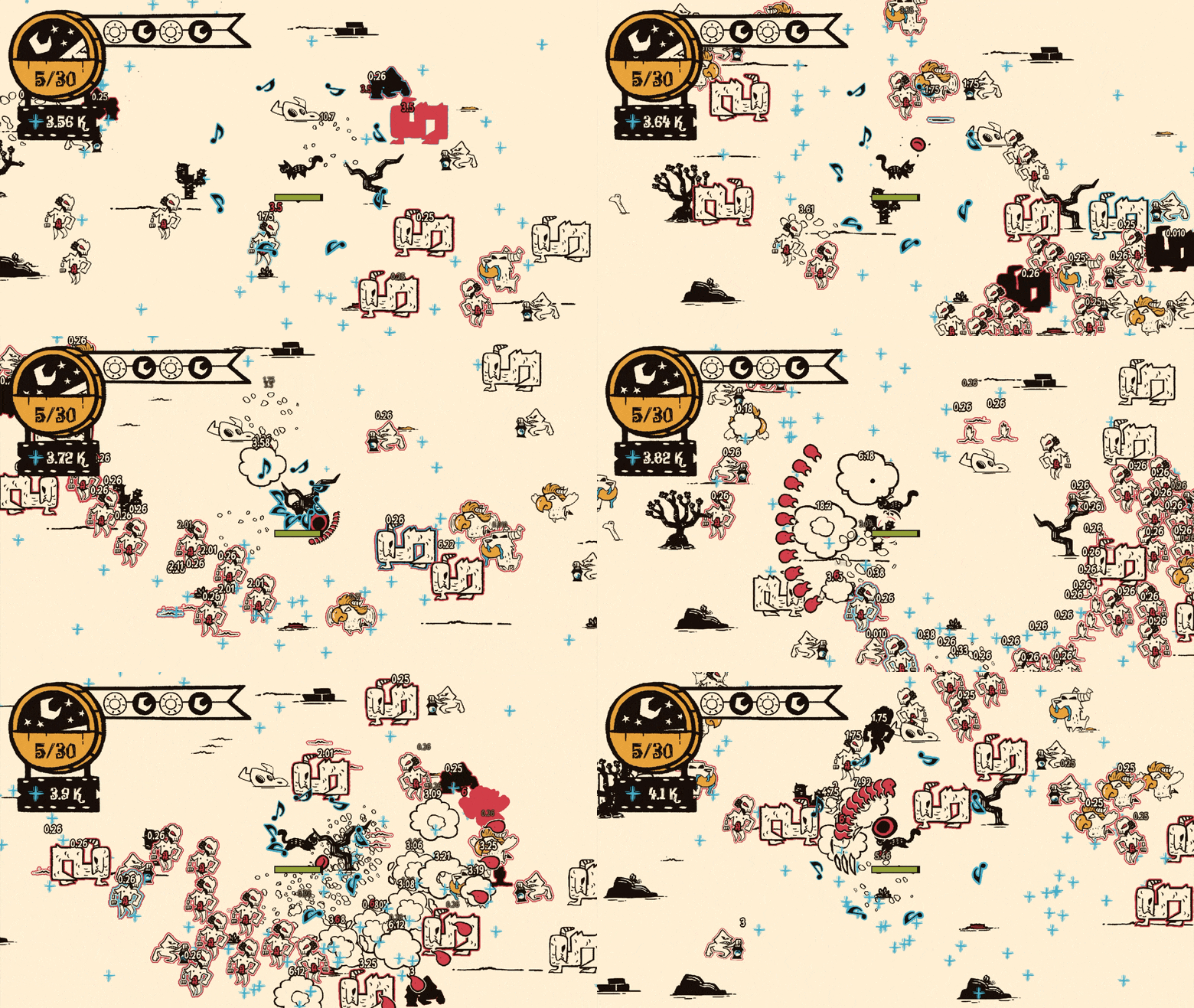
I created particles using GameMaker! That's all.
Sorry for another post about that truck. It seems to be a bit of a troublemaker, lol. Here is my room for reference:
Essentially, the truck (it's named Bug) moves from house to house delivering packages. Its movement code is such:
mp_potential_step_object(global.routeX,global.routeY, global.bugmovespeed, all)
The collision is done via invisible boxes wherever yards are. This worked fine, until I wanted to add front, back, right, and left facing sprites. The problem with this is that the truck consistently is trying to move in a diagonal direction. So for example, when it is going up a street most of the time it's actually trying to move right or left and just waiting for the opportunity. So it won't switch to the correct sprite.
This is my current turning code, but I suspect I'll have to re-do a lot more than just this:
if bug.direction < 226 and bug.direction > 134{
bug.sprite_index = bugL;
}
else if bug.direction < 44 and bug.direction > 136{
sprite_index = bugB;
}
else if bug.direction < 316 and bug.direction > 224{
bug.sprite_index = bugF;
}
else {
bug.sprite_index = bugR;}
I'm not really sure what other options I have here? Here is the post I alluded to in the beginning of this post. It shows the other options for movement I've tried. I considered paths as well, but I'd need to make one for each house possibility and surely there's a simpler way than that. Essentially, is there anyway to figure out turning sprites with this system and if not what's the best way to go about this instead?
hello! i'm starting out gamemaker and i'd like to know if there are any good tutorials for a rhythm game system, preferably one with easy to customize mapping for different songs. i am hoping to one day a game with this sort of system, so any way to learn would be nice. thank you!
Super new here. I've been following a tutorial for parallax backgrounds and for some reason it's drawing the background over everything despite its depth value being far larger than every other layer in the room. Anything I might be missing?
code that creates the background
There's usually a tileset here but it's gone for some reason
This has been a wild journey, but the release of Feypath is just over a month away!
I spent this weekend learning a lot of new things as I created the "cinematic" trailer for the game. Among those were dabbling with animation in Clip Studio Paint (I use that to draw a lot), going more in deep with Da Vinci Resolve and doing voice acting for the first time in my life.
Especially the voice part was tricky. Producing a girl sounding voice as a grown up male was challenging, but I spent the last couple of weeks watching tutorials on male to female transitioning voice coaching. That and some minor pitch shifting in Audacity got me a hopefully not too disastrous result :D (feel free to roast me, though)
The one thing that I will bring with me as I move to other projects is that I need to start much earlier with posting things like devlogs and progress videos. I only started a few weeks ago and given that I have no following at all on Youtube and very seldom use social media it is quite hard at this point to reach out to people. This means that my expectations for the Steam release is very low (sitting at like 31 wishlists so far). It's okay though, as the purpose with the project was never really to sell a lot of games, but just to actually learn how Steam works.
With this said I hope that you like the trailer, and if you are interested in Feypath it would be super helpful if you wishlisted it (link in video description). Also, if you have any questions about the game or about the development process I'm eager to answer as best as I can.
I created a state machine that manages the sprites and behavior of an enemy when it encoutners the player, where the default state is walk, the prepare state switches the sprite, and dash causes it to dash towards the player. right now i am struggling on getting the sprites to change. when i use the debug, the states technically do change exactly as their supposed to, but the walking sprite stays the same. i would like some help please!
Thank you!
I have been programing a game as a personal project, but cannot get the audio settings to work, I also want to put the audio value to the right of the option where you increase it or set it to 0, but that can wait until I know how to actually make it work.
I have a video here for more details because I don't know where in my code this is being a problem, though it shows all of my code and assets, so it's about 10 minutes long.
Hi, so I'm completly new to gamedev (literally downloaded gamemaker two days ago) and I'm running into an issue.
Basically, in the game there are multiple lasers and i need a random one to change sprite
This is the code I've written up until now
But instead of only changing one of them, it changes 4 of them
If I replace "irandom(5)" with an integer it works exactly as expected
How do I fix this?
How can I make it so the camera has the resolution of the viewport so there isn’t a weird sub pixel gap in between the knight and the floor
im making a platformer but im doing the coding and my 2 other friends do composing and art (pixel art to be exact).
I need help with coding, i have practically no expirience with only 3 days of it, but i already scripted movement, main menu, back to menu screen and made some levels.
if you can and want, please give me some tips.
I dont know if things work different in ubuntu but when i imported my game from windows 10 to ubuntu the textures looks really blurry but in the room setting it looks normal
"Work In Progress Weekly"
You may post your game content in this weekly sticky post. Post your game/screenshots/video in here and please give feedback on other people's post as well.
Your game can be in any stage of development, from concept to ready-for-commercial release.
Upvote good feedback! "I liked it!" and "It sucks" is not useful feedback.
Try to leave feedback for at least one other game. If you are the first to comment, come back later to see if anyone else has.
Emphasize on describing what your game is about and what has changed from the last version if you post regularly.
*Posts of screenshots or videos showing off your game outside of this thread WILL BE DELETED if they do not conform to reddit's and /r/gamemaker's self-promotion guidelines.
Hi guy i start working on project 2d pixel game and I'm really stuck on one thing i can't work on the game functionality with the art i tryed ai to make spritsheets they look sooo good but after i convert them to frames i found that the spacing is not perfect so the animation look like jumping how i can fix this and the animations are not really working like the walk animation is not walking (hope i explain the issue good English is not my primary language)
Using the array of objects [obj_Enemy, obj_Candy, obj_Pixel], how can I extract their fields through a loop (that is: obj_Enemy.Name, obj_Candy.Name...)? But all of this through a loop.
This is Game Maker and so unfortunately, I was unable to give it the proper flair for this post but that's ok
So I've got a basic curve shader that curves the sides of the screen the further away from the center the pixels are, like the FNAF office. It should work, but the problem is that I'm drawing the sprite through a Draw GUI layer, which is throwing off the coordinates. 0.5 isn't the center point for some reason. At least I think that's the problem. It could be that the shader itself has an issue with it. I'm still very new to shaders so I wouldn't know. I should also add that the application window size is 1280x960, but the camera is 320x240, which is why I HAVE to draw this specific sprite through Draw GUI. I already tried replacing all 0.5 with 0.25, but that didn't work either. I even tried running the shader through a layer and even that didn't fix it, so maybe it is the shader code itself that's faulty. Could someone that knows their shaders take a look at this?
varying vec2 v_vTexcoord;
varying vec4 v_vColour;
float curve_amt = 2.0;
void main()
{
float offset_y = v_vTexcoord.x - 0.5;
offset_y *= offset_y;
float offset_x = v_vTexcoord.y - 0.5;
gl_FragColor = v_vColour * texture2D( gm_BaseTexture, v_vTexcoord - vec2(0.0, abs(offset_y)*offset_x * curve_amt ) );
}
This is what it's supposed to look btw:
Been trying to start working on a game I've been thinking about but need there to be an attack radius around the player where they can attack (the attack is melee) how would I go about this?
Hi, I’m trying to make a simple truck named “Bug” move along roads towards a house. Currently, it gets caught whenever it first needs to make a turn. Here is what I have tried:
xmove= clamp(routeX * movespeed,-1,1)
ymove = clamp(routeY * movespeed,-1,1)
move_and_collide(xmove,ymove,[tilemap,house])
if xmove > x {sprite_index = bugL}
else if xmove < x {sprite_index = bugR}
else if ymove > y {sprite_index = bugB}
else if ymove < y {sprite_index = bugF}
This simply changed nothing.
”x += movespeed;
if(place_meeting(x - movespeed,y, house)){
if(sign(movespeed) == 1){
movespeed = -2;
}
}
else if(place_meeting(x + movespeed,y, house)){
if(sign(movespeed) == -1){
movespeed = 2;
}
This made it ignore all the collision, even though I still had the previous moving code?
“if(place_meeting(x - movespeed,y, house)){
Image_angle += 90}”
This did nothing.
Map for reference:
Hey guys! Been working on this Earthbound inspired indie game about depression... (bet you never heard of that before!) Upon playing the new Earthbound Beginnings remake and remembering how sick Earthbound's iconic backgrounds are, I decided to try implementing something similar in my game too! I think these came out pretty cool, but I wanna hear your guys opinions if they carry that Earthbound vibe to them! Or what I can do to improve them to match that feeling. Right now, it just randomly generates backgrounds so some of them will look kinda ugly. I'm gonna edit the ones it generates that I like then pick from those to be actually used in the game. If the game looks like your kinda thing, then check out STRIKEOUT and leave a wishlist!
Unrelated question, but now that I'm done EBB I wanna replay Earthbound itself. It's been a long time, should I play the Mother 2 DX hack or just stick with vanilla? I haven't played it in years but remember most of it.