On my NVIDIA MX150, my triangle draws (yay!). But on Intel UHD 630, it doesn't. How do I work out what's not working?
So, long story short, but I'm finally at the point where I'm ready to draw a triangle. And I can, at least when I use my NVIDIA GPU (I have an Optimus laptop). But when I use the Intel GPU instead, the triangle doesn't draw.
In both cases, the background clears to the selected colour correctly. It's just that the triangle doesn't appear when using the Intel GPU.
I've tried RenderDoc - although I don't really know much about it - and everything seems identical in what it records between runs of the program with different GPUs selected - except for one thing.
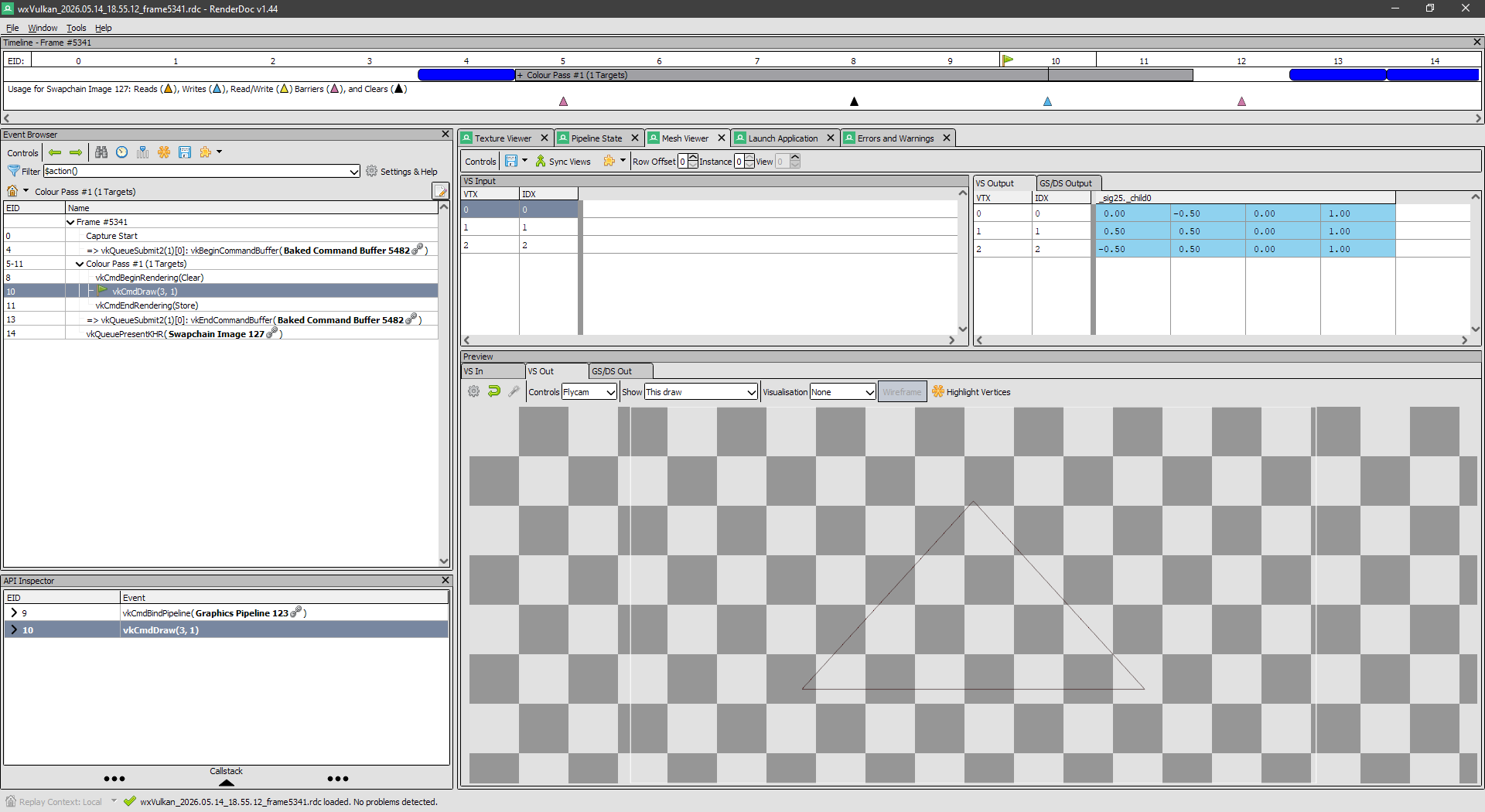
On NVIDIA, the Mesh Viewer looks like this: https://i.ibb.co/jvpttBfM/image.png (hopefully you can see the wireframe triangle).
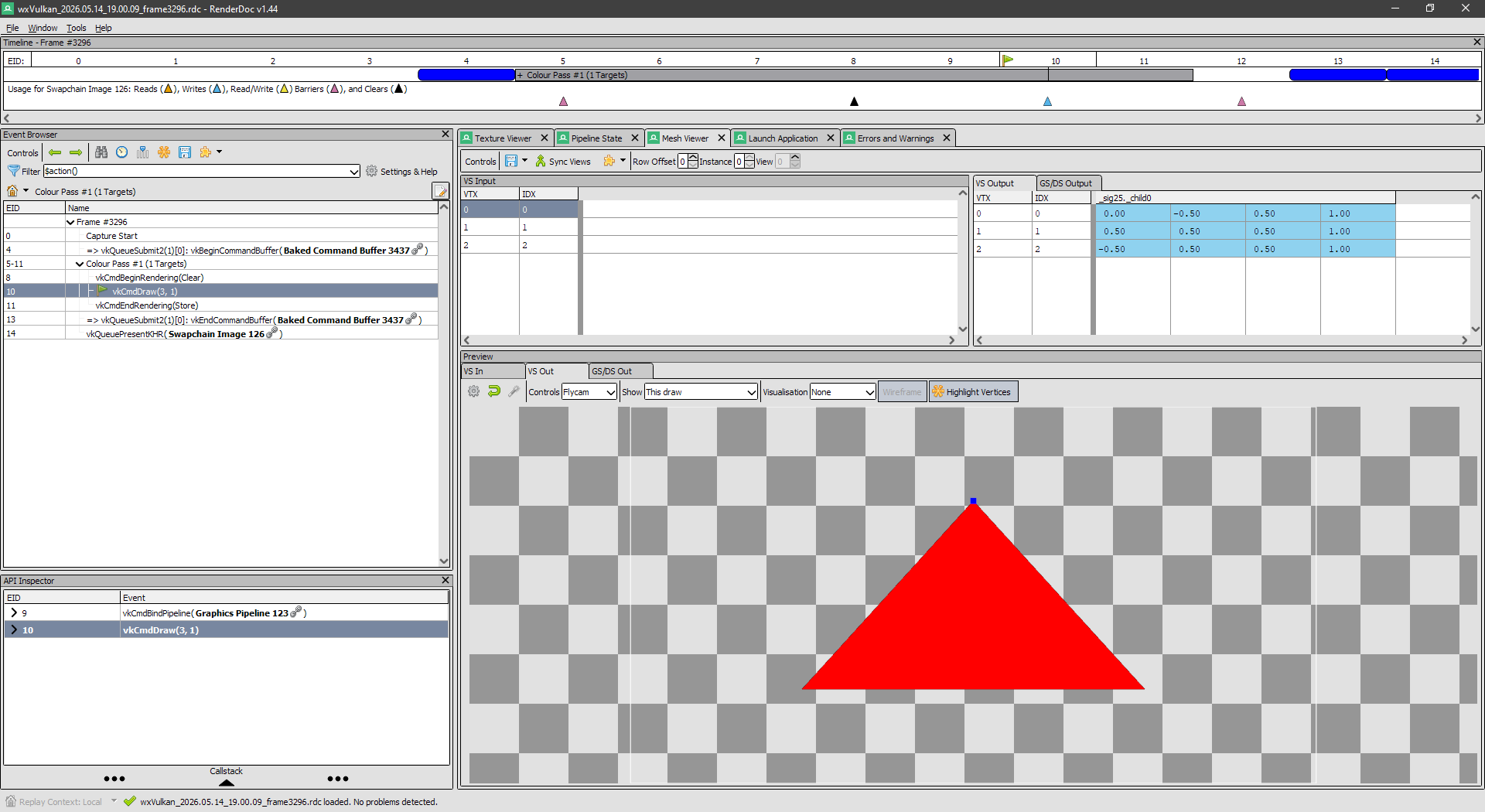
But on Intel, it looks like this: https://i.ibb.co/qM0pKvvj/image.png
I've got no idea what it means that the triangle is filled red, or what the blue square on the top vertex means.
I don't expect anyone to diagnose the exact problem - although that would be great if you happen to know - but can anyone help me with how I can investigate further? I don't really know what to try next, or what else I can do in RenderDoc to figure it out.
My shaders are simple, by the way - hardcoded vertices in the vertex shader, and returning a constant colour from the fragment shader. I haven't got as far as vertex buffers or attributes yet.